
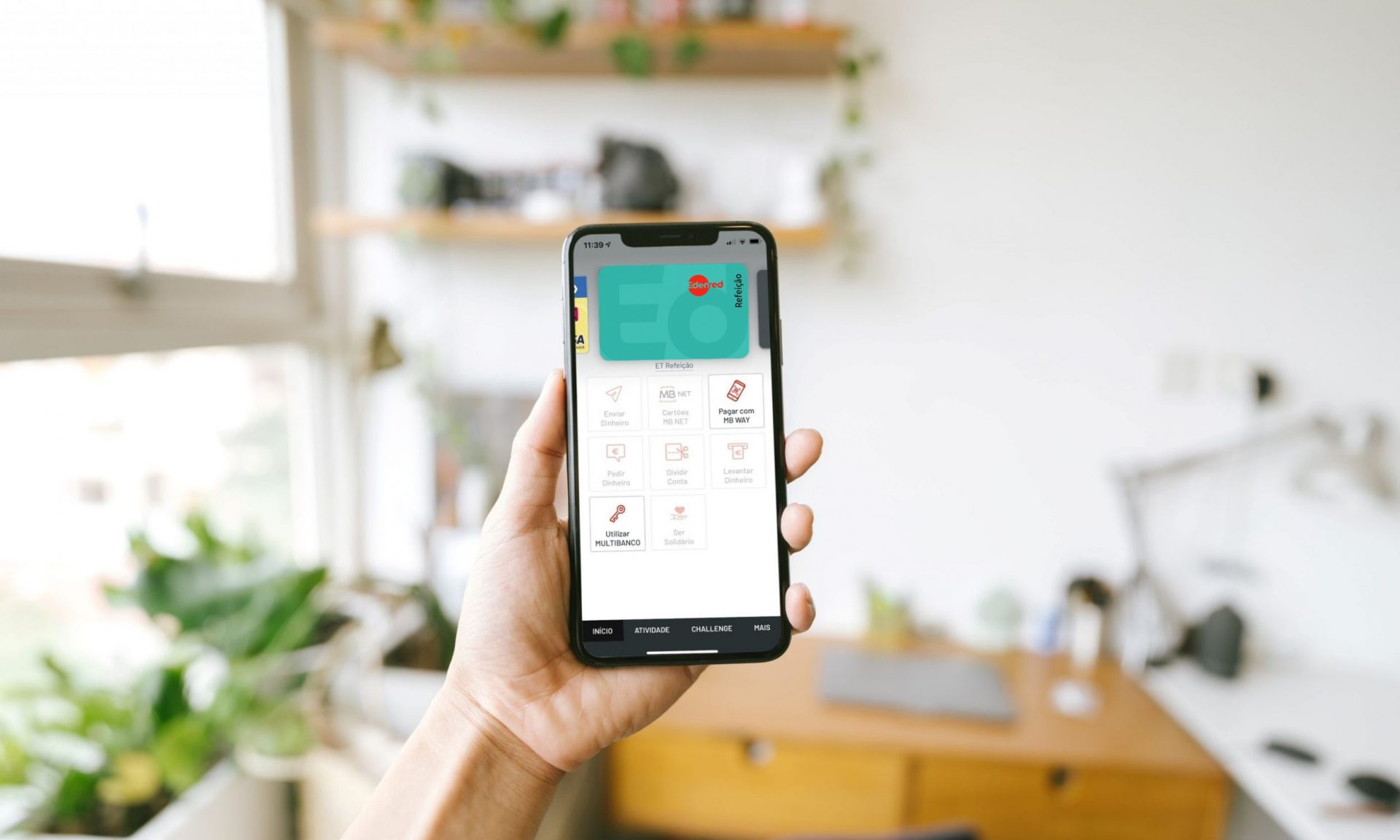
Did you know that you can associate your Edenred cards with MB WAY?
8 de June, 2022
Do you have a Edenred Refeição card or Edenred Estudante? Did you know that you can associate these cards with the MB WAY app and make your purchases via mobile phone?
Come and meet with us the advantages of having your Edenred card on MB WAY and find out how to do it step by step.
Why associate your card with MB WAY?
Both Edenred Refeição and Edenred Estudante can be associated with MB WAY and at the same time with other bank cards that you already use in this application.
The two main advantages of associating your Edenred with MB WAY are:
- The possibility of making contactless payments in physical establishments using your mobile phone;
- The possibility to shop online in participating stores that accept MB WAY as a payment method (e.g. Uber Eats, FNAC, Staples, Prozis, etc).
Step by step to associate your Edenred with MB WAY
If you already have MB WAY installed on your phone, all you need to do is do the following steps:
1 – Go to an ATM, enter your Edenred card and enter your PIN code.
2nd – Select the option “MB WAY/MB NET” and then “MB WAY support”.
3 – Enter the mobile phone number that is associated with your MB WAY and set or enter your MB WAY PIN code.
You will then receive a notification on your phone.
4 – Enter MB WAY and enter the last 4 digits of your Edenred card.
5 – Select the “Continue” option and confirm your uptake by printing or the MB WAY PIN code.
From that moment on, your Edenred card will be available on MB WAY and ready to use.
It’s easy, isn’t it? With MB WAY you can leave your wallet in your pocket and use your Edenred to make payments in physical and online stores quickly and simply.